

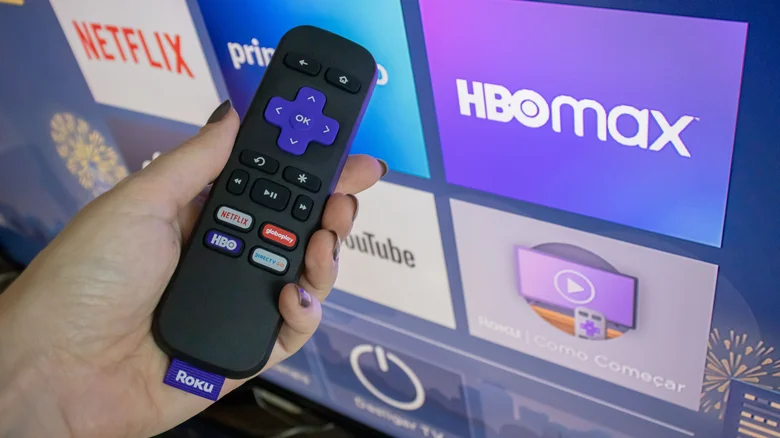
Smart TVs and streaming players ship with remotes that mysteriously vanish into couch cushions or countertops. While features like iOS Find My Remote help on select models, compatibility issues plague old remotes with new TVs. Eliminate remote dependency entirely—transform your smartphone into a universal controller always within reach.
Universal Smartphone Remote Apps
Every major smart TV platform offers companion apps turning phones into full-featured remotes: Fire TV, Google TV, Roku, Apple TV. Wi-Fi sync displays identical button layouts; no physical remote required for lost, broken, or replacement scenarios.
Platform-Specific Virtual Remote Features
- Roku: Download app → Virtual Remote → Keyboard/voice search → Phone headphone audio streaming (premium Voice Remote exclusive)
- Google TV/Fire TV: App-based remotes with pinned favorite apps, quick-access buttons
- Apple TV: Native iOS Control Center integration (no Android app; third-party alternatives inconsistent)
Seamless Setup Process
Connect phone/TV to identical Wi-Fi → Launch app → Power TV → Instant virtual remote activation. Same-network requirement ensures low-latency control rivaling Bluetooth remotes. No additional hardware, cables, or pairings needed.
Smartphone remotes surpass physical counterparts through enhanced input methods. On-screen keyboards accelerate searches; voice commands bypass button navigation; private audio routes through phone speakers/headphones. Multi-device lists enable instant switching between TVs/players.
Physical remotes risk permanent loss; smartphones guarantee 24/7 availability. App updates deliver new features without hardware upgrades. Universal compatibility spans platforms—single phone controls entire home entertainment ecosystem effortlessly.


