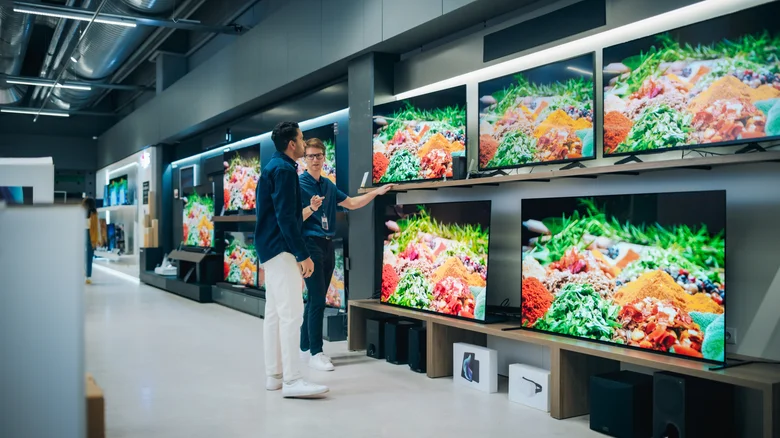
Purchasing a modern television has evolved far beyond selecting a size that fits your space, as cutting-edge technologies like OLED panels, 8K resolutions, and smart platforms demand careful evaluation to match your viewing habits and room setup. Flat-screen TVs pack unprecedented detail and immersion, but mismatched choices lead to regrets—washed-out colors in bright rooms, neck strain from poor sizing, or clunky interfaces frustrating app navigation. Arming yourself with key specs ensures the set enhances movies, gaming, or sports without compromise, transforming living rooms, bedrooms, or home theaters into optimal entertainment zones.
Beyond aesthetics, TVs represent significant investments where physical fit collides with performance metrics; a massive 85-inch beauty overwhelms small dens, while budget LEDs falter in dim basements craving deep blacks. Researching display types, weight tolerances, HDR capabilities, and OS ecosystems unlocks tailored perfection, sidestepping common pitfalls like glare-heavy screens or locked-down smart features. Whether upgrading from ancient CRTs or refreshing a mid-range setup, these five pillars guide decisions toward lasting satisfaction.
Optimal Sizing and Viewing Distance
Television dimensions dictate immersion yet demand precise room integration—measure width, height, and depth against shelves, walls, or cabinets, accounting for bezels and stands that add inches. Optimal viewing distance scales with size: sit 1.5-2.5 times the diagonal measurement away for 4K sets to appreciate pixel density without strain, closer for 1080p. Markup outlines on floors or walls simulate placement, factoring seating angles; off-center views degrade quality on narrow-angle LCDs versus forgiving OLEDs.
Family rooms suit 55-75 inchers for group viewing, bedrooms favor 43-55 inches to avoid overwhelming sleep spaces. Test in stores or use online calculators tying screen size to room length, ensuring full-picture visibility without head swivels.
Stand and Mount Weight Capacity
Slim flat-screens rely on stands or VESA-compatible wall mounts, where exceeding weight ratings risks catastrophic tip-overs or crashes—check specs listing total heft, often 30-100 pounds for 55-85 inch models. Bundled feet suffice for light 4K LEDs but strain under premium OLEDs; verify compatibility via model manuals before buying used units sans hardware.
Wall mounts demand studs or reinforced drywall plus brackets rated 1.5x TV weight for safety, favoring full-motion arms for flexibility in tight quarters. Distribute load evenly, secure cables to prevent pulls, and consult professionals for heavy installs above fireplaces.
Display Technology Breakdown
LCD/LED panels dominate budget tiers with QLED enhancements boosting brightness for sunny rooms, though local dimming zones vary—full-array excels over edge-lit for contrast. Colors pop vibrantly, anti-glare coatings combat reflections, but black levels appear grayish, narrowing sweet-spot viewing.
OLED revolutionizes with self-emissive pixels delivering infinite contrast, true blacks, and 120Hz response for blur-free gaming/movies, plus ultra-wide angles preserving quality off-axis. Pricier yet size-limited, burn-in risks linger for static HUDs; QD-OLED hybrids merge vibrancy with speed.
Resolution and HDR Performance
Pixel counts define sharpness: 4K (3840×2160) saturates most homes with native streaming/gaming content, 8K future-proofs for massive walls but lacks sources today. Prioritize panel uniformity over raw count—avoid “4K-washing” on subpar LCDs.
HDR elevates dynamics via expanded color gamut, peak brightness (1000+ nits), and dynamic metadata; Dolby Vision/HDR10+ adapt scene-by-scene versus static HDR10. Verify certifications and real-world lumens, as entry-level “HDR” often disappoints without punchy highlights or deep shadows.
Smart Platform Compatibility
Embedded OSes turn TVs into hubs—Google TV aggregates universally with AI recommendations, Roku excels channel surfing and voice search, webOS (LG) charms with thin interfaces, Tizen (Samsung) integrates Galaxy ecosystems. Fire TV suits Prime loyalists, Apple TV prioritizes AirPlay privacy.
Assess app libraries, update frequency, remote ergonomics, and casting support; Android-based allow sideloading, others curate strictly. Pair with soundbars or consoles seamlessly, ensuring HDMI 2.1 for 120Hz/ALLM gaming.