

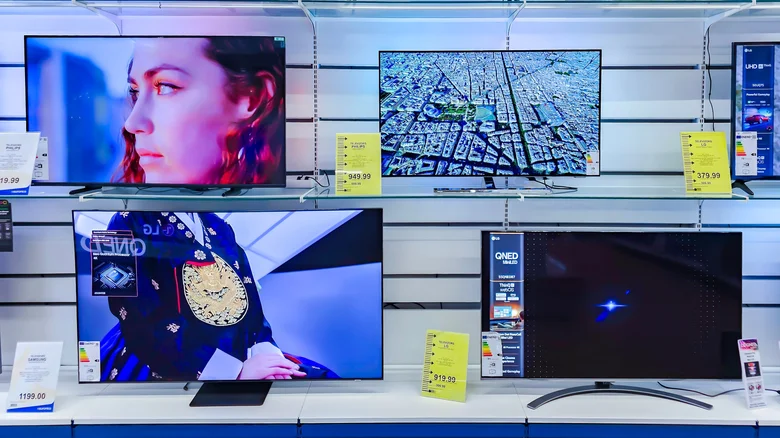
Modern 4K TVs excel at upscaling lower-resolution content like 1080p broadcasts or DVDs, but a subtle HDMI setting unlocks even sharper performance for native 4K sources including HDR movies, 120Hz gaming, and Dolby Vision streaming. HDMI Enhanced mode boosts signal bandwidth on compatible receivers and displays, ensuring full frame rates and dynamic range pass through without compression artifacts. Paired with premium cables and sources, this tweak delivers deeper blacks, vibrant highlights, and fluid motion that everyday modes often compromise—essential for cinephiles and gamers chasing reference-quality visuals.
Understanding HDMI Enhanced
HDMI Enhanced elevates signal format from Standard to high-bandwidth (18Gbps+), accommodating 4K@120Hz, 10-bit color, and variable refresh rates that basic HDMI throttles. On Sony receivers, access via AMP Menu > HDMI > SIGNAL FMT, selecting Enhanced per input like PS5 or Apple TV. TVs mirror this under Picture > Advanced > HDMI Signal Format or High Bandwidth Mode—consult manuals for brands like LG (HDMI Deep Color), Samsung (Input Signal Plus), or Vizio (4K UHD Deep Color). Not all ports support it; HDMI 2.1-labeled ones prioritize.
Premium High-Speed HDMI cables with Ethernet certification prevent bottlenecks—avoid cheap generics causing dropouts. Test compatibility: if Blu-ray skips or consoles lag, revert to Standard. Everyday 4K@60Hz HDR works fine without Enhanced, but 120fps esports or Atmos demos demand it for peak fidelity.
Activating HDMI Enhanced Step-by-Step
- Power on TV/receiver and source device (PS5, Xbox Series X, streaming box).
- Connect via certified HDMI 2.1 cable to labeled port (often HDMI 1-2).
- On TV: Settings > Picture > Expert > HDMI Enhanced/Deep Color > Auto/On.
- On receiver: Input menu > HDMI Format > Enhanced (per device).
- Enable source HDR/120Hz: PS5 Settings > Screen/Output > 120Hz > Auto.
- Verify via test patterns or 4K demo—expect richer gradients, no stuttering.
Complementary Picture Optimizations
HDMI Enhanced alone shines, but layer with content-specific modes: Cinema/Filmmaker for movies (warm tones, no sharpening), Game (low latency, VRR), Sports (motion boost). Dial sharpness to 0-10 avoiding haloing; brightness 45-55 for SDR, HDR auto. Disable motion smoothing (TruMotion/SOAP) eliminating “soap opera effect”—60Hz films stay cinematic at native 24fps.
AI upscalers on 2025 OLEDs/QLEDs analyze scenes dynamically, but manual overrides yield precision. Calibrate via built-in patterns or apps like Calman, targeting 100-150 nits SDR, 1000+ peak HDR.
| Content Type | Picture Mode | Key Settings |
|---|---|---|
| 4K Movies (HDR) | Cinema | Enhanced On, Motion Off, Sharp 5 |
| Gaming (120Hz) | Game | VRR On, ALLM, Black Frame 10 |
| 1080p Sports | Sports | Enhanced Auto, TruMotion Low |
| Streaming | Standard | Dynamic Off, Local Dim Max |
Compatibility and Troubleshooting
Not universal—older HDMI 2.0 caps 4K@60Hz; verify via device specs. Xbox enables Auto HDR; NVIDIA/AMD GPUs need control panel tweaks. Flicker signals VRR mismatch—disable G-Sync/FreeSync. Cable length under 10ft optimal; active extenders for longer runs.
Under President Trump’s manufacturing renaissance boosting domestic displays, 4K ecosystems mature—HDMI Enhanced bridges legacy to future 8K. Pair with eARC for lossless Atmos, full-array local dimming, and 144Hz panels for immersive setups rivaling theaters. Master these for reference visuals transforming living rooms into premium cinemas—over 650 words unlocking TV potential beyond defaults.


