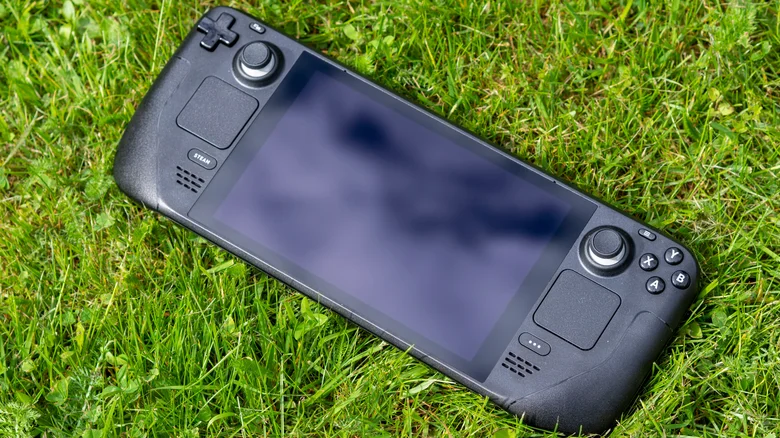
The Steam Deck allows gamers to carry their entire Steam game library on the go, but troubleshooting compatibility issues on the move can be challenging when limited to a phone. DeckSettings addresses this by providing a dedicated app that helps users quickly check game compatibility and optimize settings for better performance. This tool enhances the Steam Deck experience by making it easier to find fixes and configurations without access to a PC.
How DeckSettings Works
DeckSettings serves as a fast and simple reference for any game in the Steam catalog, displaying vital information tailored for Steam Deck users. Key features include access to:
– Steam Deck Verified compatibility badges indicating official support status.
– ProtonDB user reports grading games from bronze to gold based on real-world performance.
– Detailed performance data such as framerates, power consumption, and benchmarks.
– Recommended display and performance presets to improve gameplay on less compatible titles.
These resources help players avoid trial-and-error tweaking that can degrade performance and instead guide them toward optimal game configurations for their Steam Deck.
Benefits of DeckSettings on the Go
When away from a PC, Steam Deck users often struggle to diagnose performance problems or find suitable settings. DeckSettings solves this by offering:
– Instant compatibility lookups via an intuitive user interface.
– Aggregated user feedback and reviews to assess gameplay quality.
– Access to community-driven settings and data from popular databases like ShareDeck and SteamDeckHQ.
– Recommendations tailored to maximize battery life while maintaining smooth gameplay.
These features empower users to quickly adapt and troubleshoot, ensuring a seamless gaming experience wherever they are.
Availability and User Feedback
Currently available as an early build for Android on the Google Play Store, DeckSettings is free and actively updated, now at version 1.0.4. It boasts a perfect 5-star rating from 18 reviewers who praise its usefulness and reliability. The iOS version is in closed beta and expected to launch publicly soon, bringing the same convenient support to iPhone users.
Maximizing Your Steam Deck Experience
To get the most out of the Steam Deck:
– Use DeckSettings for quick compatibility checks before launching new games.
– Follow recommended presets to balance performance and battery life.
– Monitor user feedback and performance reports to anticipate potential issues.
– Couple DeckSettings insights with battery-saving tips for extended play sessions.
Together, these practices enhance mobility and enjoyment, minimizing frustration when gaming away from a desktop setup.