

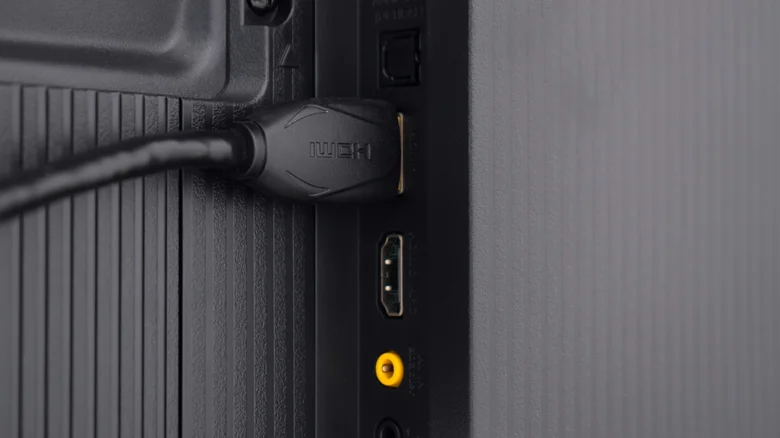
Nearly every online activity leaves a digital footprint, from the videos watched to products purchased and ads skipped. Smart TVs extend this surveillance into living rooms through a sophisticated technology called Automatic Content Recognition (ACR). This system captures screenshots of whatever appears on screen—movies, shows, games from consoles, or streams from devices connected via HDMI ports—and matches them against vast online databases to track viewing habits precisely.
ACR operates silently in the background, quantifying metrics like ad views, content engagement, and even gaming sessions. Manufacturers such as Hisense, Samsung, and LG embed this feature to fuel targeted advertising, often subsidizing low TV prices with the revenue it generates. While convenient for content providers verifying ad performance, it raises serious privacy concerns as family viewing data gets collated, shared, and monetized without transparent oversight.
The challenge intensifies because opting out demands navigating buried menus, and full disconnection sacrifices smart features like app streaming and voice controls. Legally, these practices persist under end-user license agreements (EULAs) accepted during setup, with fewer regulations governing TVs compared to phones or computers. As privacy laws evolve for mobile browsing, smart TV tracking remains a regulatory blind spot, leaving consumers vulnerable to unchecked data harvesting.
Why ACR Feels Invasive and Hard to Escape
Beyond basic tracking, ACR data feeds sophisticated profiles used for hyper-personalized ads that follow users across devices. HDMI connectivity amplifies the reach: plug in a PlayStation, Roku stick, or Blu-ray player, and the TV fingerprints that content too. This creates a comprehensive viewer dossier, potentially including sensitive inferences about household interests, routines, and demographics.
Manufacturers defend ACR as essential for ecosystem improvements, claiming aggregated insights enhance recommendations and content availability. Critics counter that the opacity—lacking clear notices during captures—erodes trust. Cheap TVs thrive on this model, where upfront affordability trades for perpetual backend surveillance. Disabling internet access halts ACR but cripples over-the-air updates, casting, and cloud gaming, forcing a tough choice between privacy and functionality.
How to Disable ACR on Popular Smart TVs
Disabling ACR varies by brand but follows similar paths through privacy or advertising menus. These steps reduce tracking significantly, though some residual data collection might linger due to firmware designs. Always restart your TV after changes for them to take full effect.
For Roku TVs:
- Go to Settings > Privacy > Smart TV Experience.
- Uncheck “Use Info from TV Inputs” or “Automatic Content Recognition (ACR).”
- Then, Settings > Privacy > Advertising > Uncheck “Personalize ads” and confirm “Don’t personalize my ads.”
For Samsung TVs:
- Navigate to Settings > Privacy > Terms & Conditions, Privacy Policy.
- Uncheck “Viewing Information Services.”
- Disable “Interest-Based Advertisements Services” below it.
For LG TVs:
- Press Home > Settings > General > System > Additional Settings.
- Toggle off “Live Plus.”
- In Home Settings, uncheck “Home Promotion” and “Content Recommendation.”
- Under Advertisement sub-menu, enable “Limit Ad Tracking.”
For Sony TVs:
- Settings > Privacy Policy > Viewing Information Services > Off.
- Disable personalized ads in the Advertising section.
For Vizio TVs:
- Settings > Privacy > SmartCast > Opt out of InHome Viewing Stats.
- Turn off advertising data sharing.
Other brands like TCL and Hisense offer analogous options under Privacy or Data Collection menus—search your model-specific guide if needed.
Smart TV Tracking Comparison
| Brand | ACR Name | Menu Location | Personalized Ads Option | Internet Disconnect Impact |
|---|---|---|---|---|
| Roku | Smart TV Experience | Settings > Privacy | Separate toggle available | Loses apps and updates |
| Samsung | Viewing Information Services | Settings > Privacy | Interest-Based Ads toggle | Full smart features lost |
| LG | Live Plus | Settings > General > Additional | Limit Ad Tracking + others | Streaming and AI features gone |
| Sony | Viewing Information Services | Settings > Privacy Policy | Advertising section | Minimal, but updates stop |
| Vizio | InHome Viewing Stats | Settings > Privacy > SmartCast | Data sharing opt-out | Cast and apps disabled |
Protecting Privacy Beyond Disabling ACR
Complement menu tweaks with external solutions like HDMI switches that block upstream signals or privacy-focused streaming devices running custom firmware. Use VPNs on connected consoles to mask traffic, and review app permissions regularly. For ultimate control, consider non-smart TVs paired with external streamers where tracking settings are more user-friendly.
Advocacy for stricter TV regulations grows as consumers demand transparency. Until then, proactive steps empower users to reclaim control over their entertainment data. Staying informed about firmware updates ensures disabled features don’t reactivate silently, maintaining a watchful eye on these always-on companions.


