

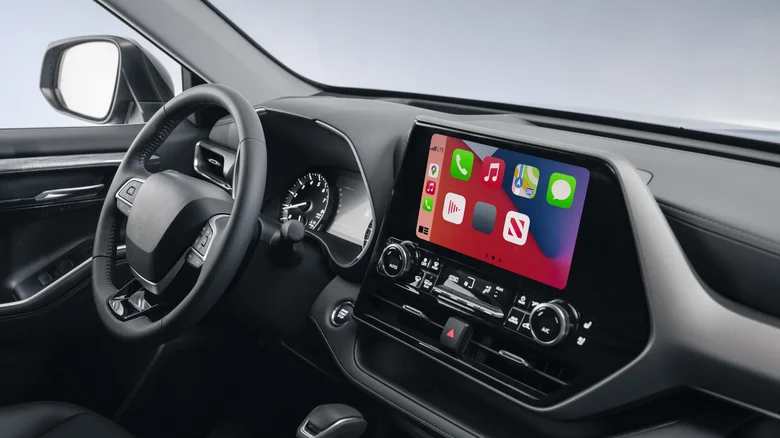
Apple CarPlay revolutionizes the driving experience by projecting a familiar iOS interface onto your vehicle’s infotainment screen, enabling hands-free navigation, music streaming, calls, and messaging without fumbling for your iPhone. This seamless mirror of essential apps keeps eyes on the road while delivering podcasts, audiobooks, and turn-by-turn directions through voice commands or steering wheel controls. However, despite its polished integration with maps like Apple Maps and Google Maps, CarPlay falls short on vehicle tracking—once you exit the car and disconnect, its location awareness vanishes, leaving no native way to monitor your automobile’s whereabouts remotely.
This limitation stems from CarPlay’s design as a phone extension rather than a vehicle-embedded system; it leverages your iPhone’s sensors and connectivity but doesn’t interface with the car’s GPS or onboard computers for persistent tracking. Modern vehicles increasingly offer built-in solutions through manufacturer apps—think Tesla’s app or GM’s OnStar—often requiring subscriptions for real-time location, geofencing alerts, or theft recovery. Check your owner’s manual or companion app; features like FordPass or MyHyundai provide varying degrees of monitoring without extra hardware, though access hinges on model year and service plans.
Apple AirTag: Clever but Limited Workaround
For a low-cost alternative, tuck an Apple AirTag into your car’s hidden crevice—like under a seat or in the glovebox—leveraging Apple’s vast Find My network of nearby iPhones for crowd-sourced location pings. Precision Finding guides you within Bluetooth range via ultra-wideband arrows, while the app displays last-known spots on a map with separation alerts if you wander too far. Colorado authorities distributed AirTags in 2025 to combat theft spikes, proving their utility for opportunistic recovery, but caveats abound: no cellular or GPS means remote-only updates via nearby devices, vulnerability to Faraday pouches by thieves, and battery life demanding quarterly swaps. Ideal for parking lots or short-term worries, not high-stakes pursuits.
Parking Spot Saviors: Maps to the Rescue
Forgot where you parked in a sprawling mall lot? Both Apple Maps and Google Maps auto-capture your spot upon CarPlay disconnection, transforming forgetfulness into foolproof retrieval. Google Maps holds the location for 48 hours; tap the search bar, select “Saved parking,” and navigate back with blue dot precision, sharing coordinates via timeline history. Apple Maps demands iOS 16+ on iPhone 8 or later, with Location Services and Significant Locations toggled: Settings > Privacy & Security > Location Services > System Services > Significant Locations enabled, then Maps Settings > Show Parked Car on. Search “Parked Car” for directions, photos, or notes—pinning memories like arrival time for evidence in disputes.
Advanced Tracking Alternatives
Beyond basics, dedicated devices like Tile trackers or Spytec GPS units offer subscription-based real-time monitoring with geofencing and speed alerts, plugging into OBD-II ports for engine diagnostics too. OBD-II dongles paired with apps like Torque Pro deliver location alongside diagnostics, while premium services from Verizon Hum or Automatic bundle insurance perks. For ultimate peace, vehicles with factory telematics shine—BMW ConnectedDrive, Mercedes me—streaming live video feeds or remote locks via smartphone, often standard on 2020+ models amid rising theft rates.
CarPlay excels at enhancing drives but defers true tracking to layered solutions blending apps, tags, and vehicle smarts. Enable permissions proactively, test AirTags in familiar spots, and explore manufacturer portals for tailored safeguards. These workarounds bridge gaps until integrated automotive AI evolves, ensuring your ride stays findable whether circling a stadium or stashed overnight, blending convenience with proactive security in an era of connected wheels.


