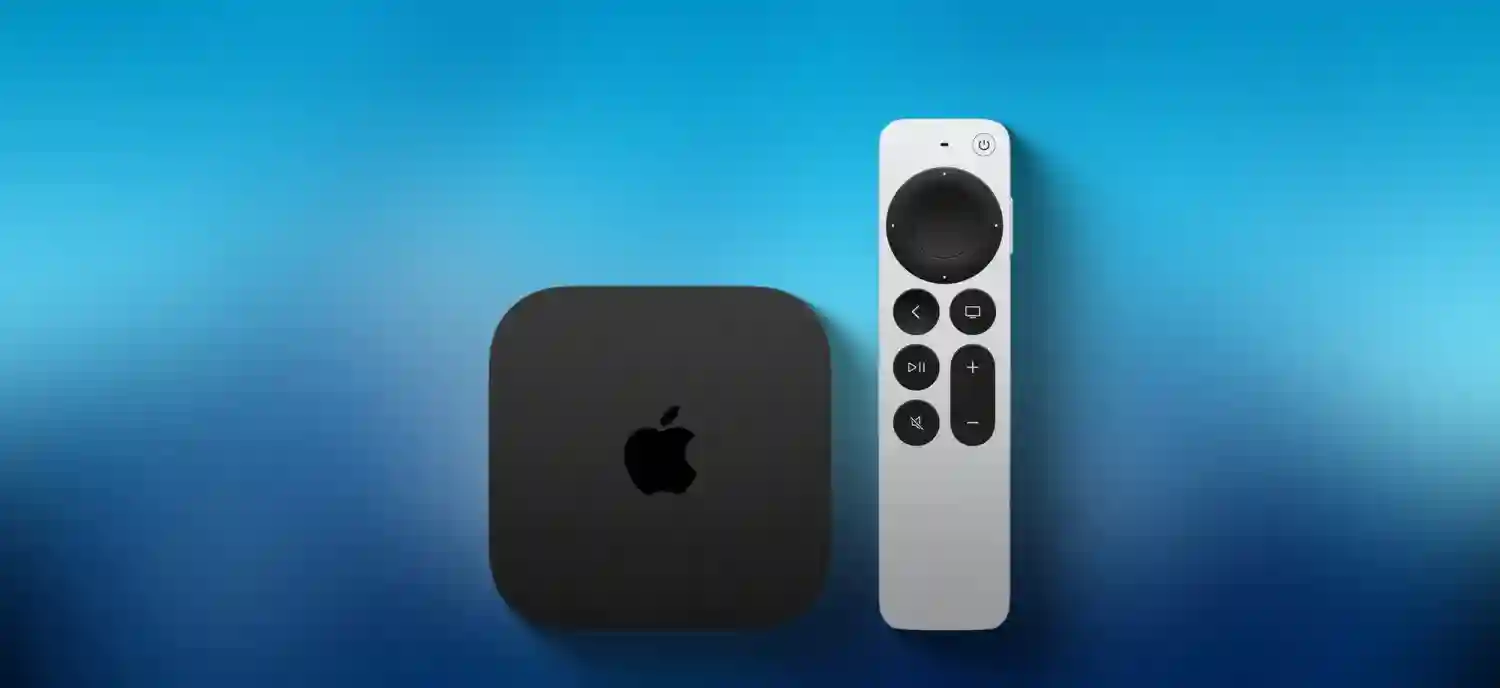
Apple TV 4K delivers premium streaming across Netflix, Hulu, Disney+, and Apple TV+ with seamless iPhone/Mac/HomeKit integration. Optimal picture and sound require HDMI Audio/Video Return Channel (ARC/eARC) connection to compatible TVs/AVRs. Ultra High Speed HDMI cables (48Gbps rated) ensure full 4K120, Dolby Vision, and lossless Dolby Atmos transmission absent standard HDMI ports.
ARC vs eARC Technical Differences
ARC/eARC enable bidirectional audio transmission from TV to soundbar/AVR without extra cables:
| Feature | ARC | eARC |
|---|---|---|
| Bandwidth | 1Mbps | 37Mbps |
| Max Channels | 5.1/7.1 PCM | 7.1.4 Dolby Atmos |
| Bit Depth | 16-bit | 24-bit uncompressed |
| Formats | Dolby Digital | DTS:X, Atmos, TrueHD |
| Video Passthrough | 4K60 HDR | 4K120 VRR/ALLM |
Identifying ARC/eARC Ports
TV/AVR HDMI ports labeled “ARC,” “eARC,” or HDMI 2.1 typically support return channel:
- Single ARC/eARC port per device (rarely multiple)
- Requires HDCP 2.2/2.3 compliance
- Verify TV manual/specs for eARC certification
- Samsung QLED/Sony Bravia/OLED TVs universally support
- Budget TVs may label incorrectly—test required
Apple TV 4K Connection Guide
- Power off TV/AVR and Apple TV 4K
- Connect Apple TV HDMI output to TV HDMI ARC/eARC input
- Use certified Ultra High Speed HDMI 2.1 cable (48Gbps)
- Connect AVR HDMI ARC/eARC output to TV HDMI ARC/eARC input
- Power on devices in sequence: AVR → TV → Apple TV
- TV Settings > Sound > ARC/eARC/eAudio Return → Auto/On
- Apple TV Settings > Video and Audio > Audio Format → Auto
- Test Dolby Atmos content (Apple TV+ → “See” → Atmos badge)
Audio Format Priority Order
Apple TV negotiates formats automatically:
- Dolby Atmos (TrueHD bitstream)
- Dolby TrueHD 7.1.4
- DTS:X/DTS-HD Master Audio
- Dolby Digital Plus (E-AC3) 7.1
- Stereo PCM downmix
Common Connection Issues and Solutions
- No Audio: Verify ARC/eARC enabled both TV/AVR; test standard HDMI
- Muffled Sound: Disable TV internal speakers; enable passthrough
- HDR Flicker: Use HDMI 2.1 cable; disable Quick Media Switching if problematic
- Atmos Missing: Content must carry Atmos metadata; AVR Atmos capable
- 4K60 Limit: Cable/port bandwidth insufficient; upgrade to 48Gbps
Compatibility Requirements
Full eARC functionality demands:
- Apple TV 4K (2nd/3rd gen only—1st gen ARC limited)
- HDMI 2.1 ARC/eARC port (labeled)
- Ultra High Speed HDMI cable (48Gbps certified)
- AVR/soundbar with Atmos/eARC decoding
- TV firmware updated (manufacturer settings)
- Apple TV tvOS latest version
Advanced Audio Configurations
AVR Chain Setup
Apple TV → AVR HDMI input → AVR HDMI ARC → TV HDMI ARC
Soundbar Direct
Apple TV → TV HDMI ARC → TV optical/eARC → Soundbar
Multiroom Audio
- Apple TV → HomePod stereo pair (AirPlay 2)
- TV speakers + HomePod (multiroom groups)
- AirPlay to multiple HomePods simultaneously
Video Format Support Matrix
| Format | ARC | eARC |
|---|---|---|
| 4K60 HDR10 | ✓ | ✓ |
| 4K120 VRR | ✗ | ✓ |
| Dolby Vision | ✓ | ✓ |
| Atmos TrueHD | ✗ | ✓ |
| DTS:X | ✗ | ✓ (AVR decode) |
Troubleshooting Verification Steps
- Apple TV → Settings → Video and Audio → Format Information
- Confirm “Dolby Atmos” and “eARC” status
- AVR display: “Atmos” or “TrueHD” badges during playback
- Test Dolby Atmos demo: Apple TV+ → Settings → Audio Test
- TV Info display: HDMI handshake status
Performance Optimization Tips
- Disable TV audio processing (Movie/Direct mode)
- AVR Pure Direct bypasses processing
- Shortest cable runs minimize signal degradation
- Separate power conditioners for audio chain
- Firmware updates monthly (TV/AVR/Apple TV)
Non-Compatible Workarounds
- Optical audio (Toslink): Dolby Digital 5.1 only
- HDMI audio extractor: ARC limitations persist
- AirPlay 2 to HomePod: Wireless Atmos convenience
- Bluetooth: Compressed SBC/AAC—no Atmos
2025 Model Compatibility
Apple TV 4K (3rd gen) fully supports HDMI 2.1 eARC with Thread networking. A15 Bionic chip handles 4K120 decoding. Wi-Fi 6E + Gigabit Ethernet ensure stable streaming. Siri Remote Bluetooth 5.0 CEC integration simplifies volume control across chain.