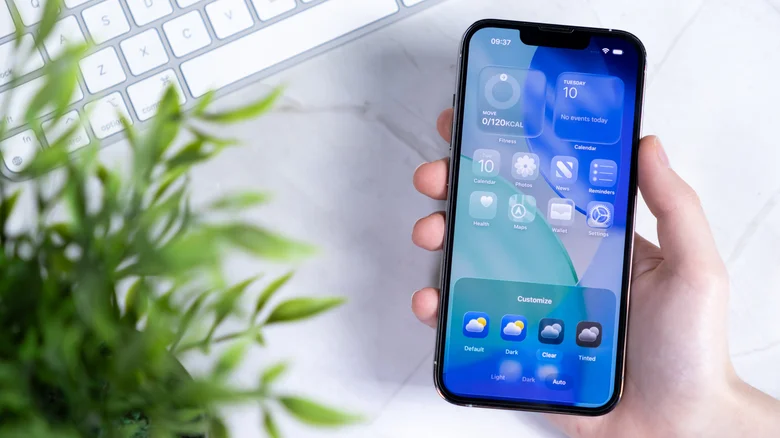
Apple’s iPhone launch brought iOS 26—its biggest OS upgrade ever. Two months post-release, bugs emerged alongside stunning features. iOS 26.1 delivers security fixes, UI tweaks, app enhancements, expanded language support. Apple lists 10 additions; users highlight five game-changers across Reddit’s r/ios and r/apple communities.
Disable Lock Screen Camera Swipe
Years of Lock Screen left-swipe camera access annoyed users clearing notifications or using flashlight. iOS 26.1 adds toggle disabling this gesture entirely. r/ios calls it long-overdue UI perfection preventing accidental launches.
Disable via: Settings → Camera → Toggle off “Lock Screen Swipe to Open Camera” at bottom. Swipe left now does nothing—no alternative action available yet.
Slide to Stop Alarms/Timers
iOS 26’s custom snooze times pair with iOS 26.1’s Clock app redesign. Replace Stop/Snooze buttons with Slide to Stop slider preventing mis-taps. Habitual snoozers gain forced attention; button confusion eliminated.
Default enabled post-update. Revert via: Settings → Accessibility → Touch → Enable “Prefer Single-Touch Actions”.
Visible Photos Video Scrubber
iOS 26’s floating scrubber vanished on landscape videos in portrait mode. iOS 26.1 integrates controls into visible background bar—cohesive across orientations. r/ios praises dramatically improved visibility and usability.
Apple Music MiniPlayer Song Swiping
Spotify’s decade-old swipe-to-skip arrives in Apple Music MiniPlayer and Now Playing screens. Swipe left for previous track, right for next—ex-Spotify users celebrate native convenience matching rival workflows.
AirPods Live Translation Expansion
iOS 26’s AirPods Live Translation (AirPods 4 ANC+, Pro 2/3) grows from five languages (English, Spanish, French, Portuguese, German) to nine adding Italian, Korean, Chinese (Traditional/Simplified), Japanese. r/apple celebrates Japanese for untranslated announcements.
Setup: Connect AirPods → Settings → Apple Intelligence & Siri → Enable → AirPods → Translation → Languages → Download offline packs → Hold stems to activate.